photo booth rentals
Amelia Island, fl
Create Lasting Memories with Instant Social Media Sharing
Hyper Local Booking Services Now in Fernandina Beach/Amelia Island
We’re planning a…
Choose Your Booth
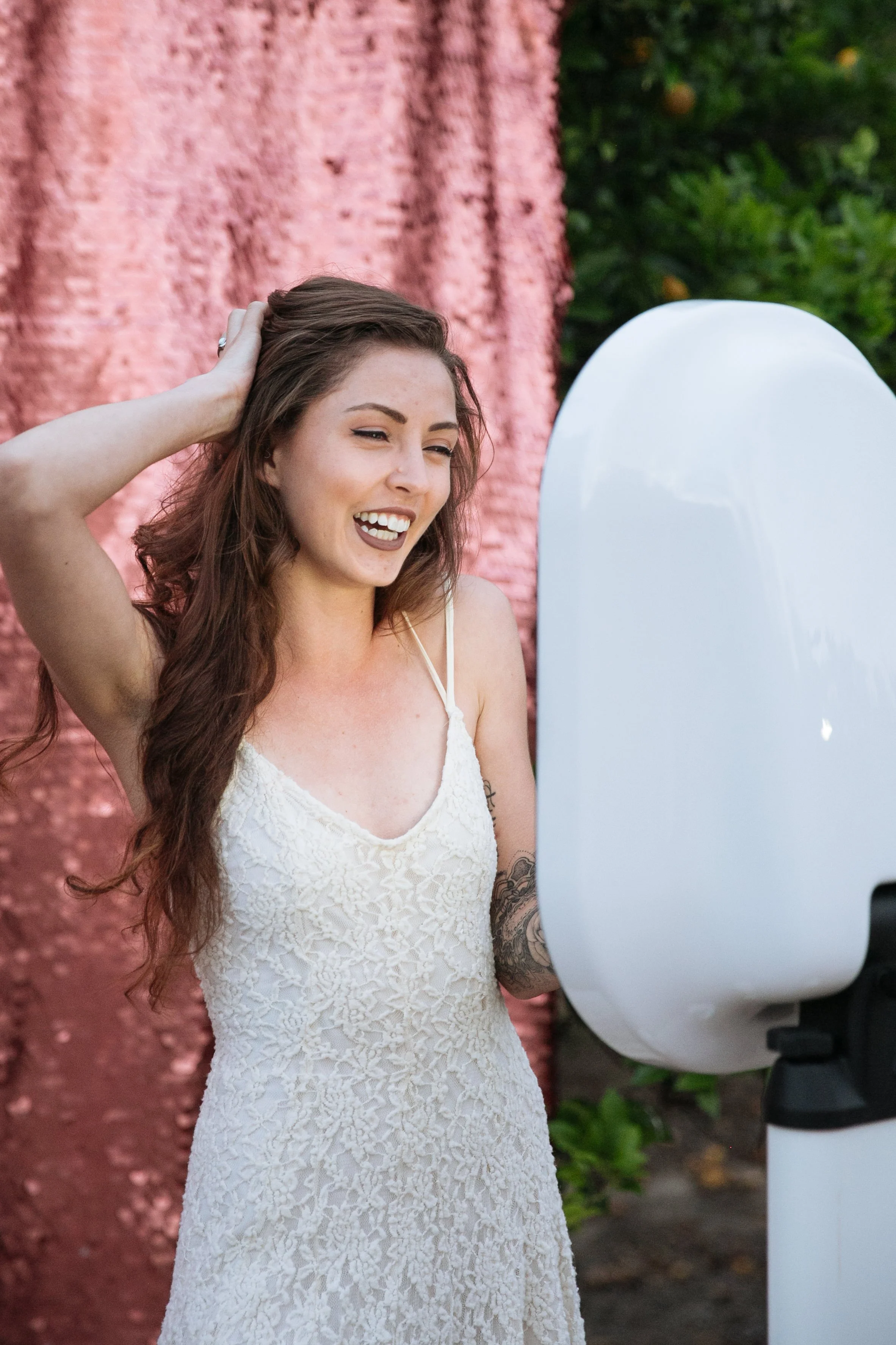
SOCIAL MEDIA BOOTH

Step up, strike a pose, and share the moment.
Our social booth makes it instant, easy, and unforgettable.
No prints, no fuss — just pure digital fun ready to hit your feed in seconds.

360 booth

Why settle for one angle when you can have them all?
The 360 booth spins your best moments into a show-stopping reel.
Slow it down, glam it up, and share it instantly.
High quality photos and prints gives your friends, family, or colleagues something to remember the day.
Interested in bringing this to your event?
We’re booking for late 2025/early 2026. Don’t miss out.